Charge on a fixed day
Charge weekly plans on a set weekday and monthly plans on a set date, with an optional minimum wait before the first charge.
All docs
By default, installments fall one interval after the order. If you'd rather collect on a set day, for example the 1st of every month to line up with payday, set a charge day on the plan.
Weekly plans
Set Charge on day of the week to a weekday. Every installment is charged on that day. Leave it on "Same weekday as order" to keep the default.
Monthly plans
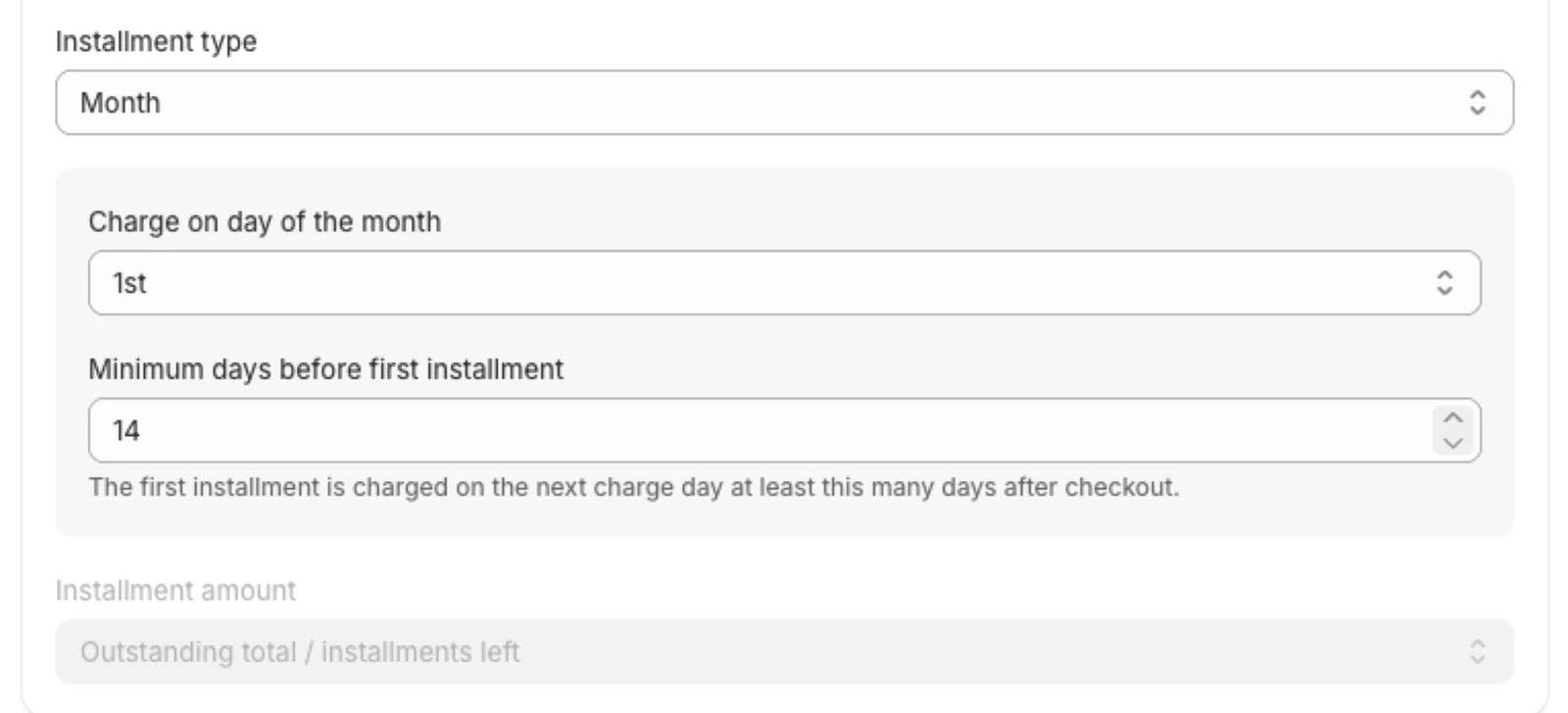
Set Charge on day of the month to a date from the 1st to the 28th. Every installment is charged on that date. The last few days of the month aren't offered because not every month has them.
Daily plans can't use a charge day.
When the first installment is charged
The first charge after checkout is never sooner than one full interval after the order. It is then moved forward to the next charge day.
For a monthly plan charging on the 1st:
| Order placed | First installment | Next |
|---|---|---|
| 20 March | 1 May | 1 June |
| 1 March | 1 April | 1 May |
The customer bought on 20 March, so a full month takes them to 20 April, and the next 1st after that is 1 May.
Minimum days before the first installment
Minimum days before first installment (1 to 120 days) adds a longer wait before the first charge after checkout. The first installment is charged on the next charge day at least that many days after the order. Use it to give customers breathing room after a large down payment.
The app uses whichever is later: one full interval, or your minimum days. A 14-day minimum on a monthly plan changes nothing, because a month is already longer. On a weekly plan it pushes the first charge to at least two weeks out.
After a failed charge
If a charge fails and is retried, the plan's later installments snap back onto the charge day, so a late payment doesn't shift the rest of the schedule.