Refunds and cancellations
Choose a refund policy, and see what happens to the Shopify order when you or the customer cancel a plan.
All docs
A payment plan can be cancelled by you or by the customer. What the customer gets back depends on the refund policy you choose in Settings > Refunds.
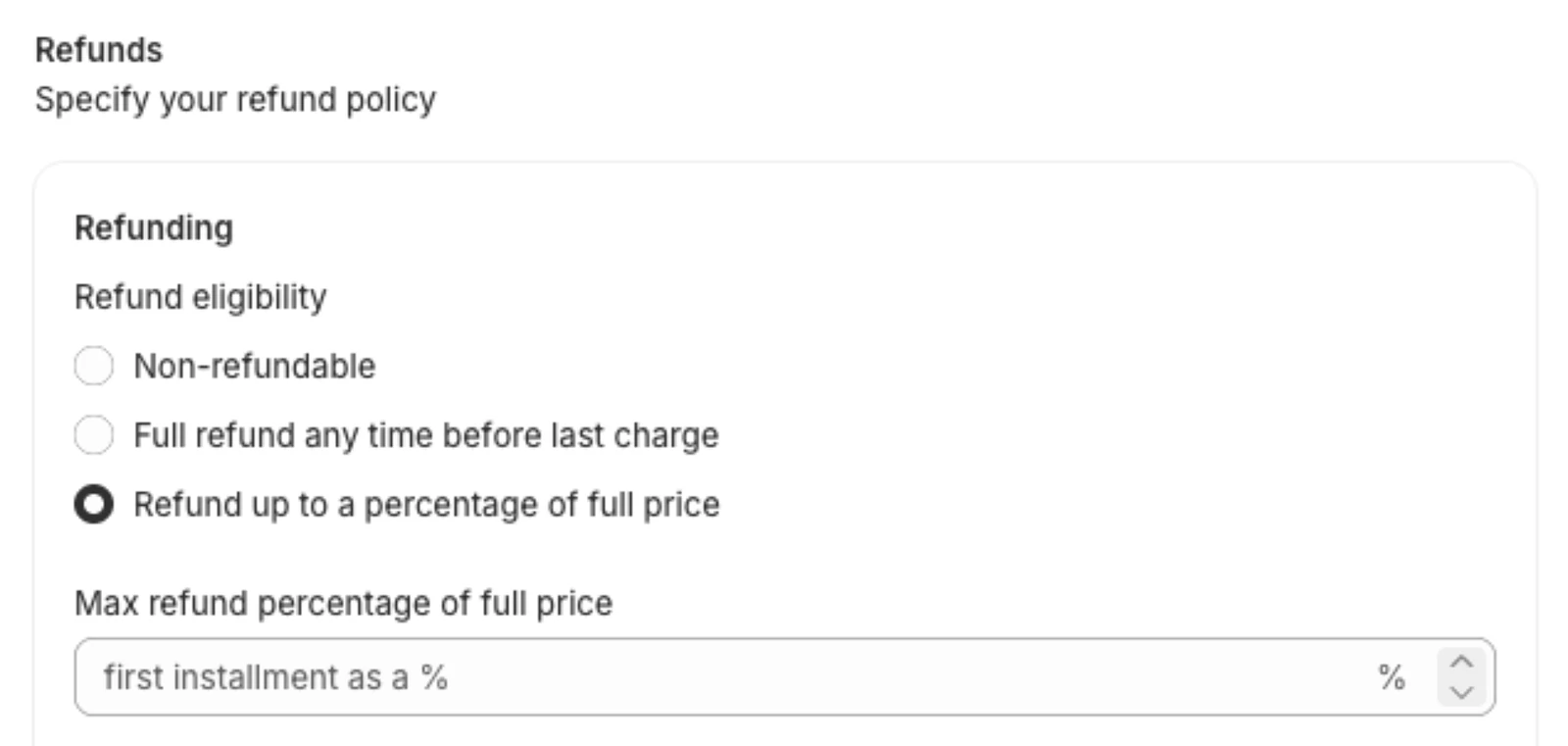
Refund policies
Non-refundable
Nothing is refunded when a plan is cancelled. The customer simply stops being charged.
Full refund any time before last charge
A customer who cancels gets back everything they've paid towards the item: the down payment plus every installment charged since, including the shipping and tax collected in those installments. Once the plan is fully paid, the refund is the item's full price.
Refund up to a percentage of full price
The refund is a percentage of the item's full price, but never more than the customer has paid towards it: the down payment plus the installments charged since.
Example: a $1,000 item with a $250 down payment and one $250 installment paid. With a 20% limit the customer gets $200 back. With a 60% limit they get $500, everything they've paid.
If the plan item is the last thing on the order, the shipping and tax collected in its installments are refunded on top.
If you leave the percentage empty, it defaults to the down payment's share of the price. A $1,000 item with a $400 down payment has a 40% limit.
Installments paid by invoice
An installment the customer paid through an emailed invoice (see Failed payments) was paid on a separate Shopify order, the one created from the invoice. The app can't refund it automatically. When a refund would include it, the app adds a note to the customer's plan with the amount and the invoice, so you can refund it by hand in Shopify.
Who can cancel
- You, from the customer's plan in the app, with Cancel plan. This cancels every payment plan on that order.
- The customer, from the Payment Plans block on their order status page, while the plan is active. They see your refund policy before they confirm. See What customers see.
What happens to the order
When a plan is cancelled, no more installments are charged, and the Shopify order is updated:
- Non-refundable: if the plan item was the only thing on the order, the order is cancelled and the stock is restocked. If the order has other items, the plan item is removed from it and the rest is left alone.
- Refundable policies: the refund is issued against the plan item, spread across the payments the customer made. If nothing else is left on the order, shipping is refunded too and the order is cancelled a minute later. If the order has other items, it stays open with those items.
Orders that have already been fulfilled can't be cancelled from the app. Handle those in Shopify.
If Shopify doesn't accept a refund, the app tries again a few times. If it still can't, it adds a note to the customer's plan telling you to check the order's refunds in Shopify before refunding or cancelling again.
Automatic cancellations
A plan whose installment is still unpaid after the retry period is cancelled automatically (see Failed payments). That stops the charges but doesn't refund anything or cancel the Shopify order, whatever your refund policy. Refunding automatic cancellations is coming soon.
Cancelling in Shopify
If you cancel the order in Shopify directly, the app cancels its payment plan too, so the customer isn't charged again. Refunds are then whatever you issue in Shopify.